Compare PDF files side by side

Upload two PDFs and see every addition, deletion and edit highlighted so nothing slips through

Spot changes between two contract or report versions fast
See added, removed and edited text in clear colors
Skip the line-by-line proofreading of revised drafts

24/7 multilingual phone, chat
and email support | +1-844-898-1076

text
Upload Your Document
Drop a Document Here
or

Everything you can do with WriteSimpli

Do more with AI-powered reading

See exactly what changed

  • Two versions in, one clear list of differences out

  • Side-by-side view with changes highlighted on both files
  • Jump from one difference to the next in a click
  • Ideal for contracts, policies, proposals and theses
Two PDFs compared with differences highlighted

Frequently asked questions

Simple answers to your questions

How do I compare two PDF files?
Upload both PDFs and WriteSimpli lines them up side by side, highlighting text that was added, removed or changed.
What kinds of changes will I see?
Text additions, deletions and edits are highlighted. Changes to images or complex layouts may not always be detected.
Can I compare scanned PDFs?
Yes, after the text has been recognized. Results depend on scan quality, so check flagged areas against the originals.
Is this useful for contracts?
Yes. Comparing contract versions helps you catch edits before signing. For legal decisions, have a qualified person review the final document.
Making writing simple
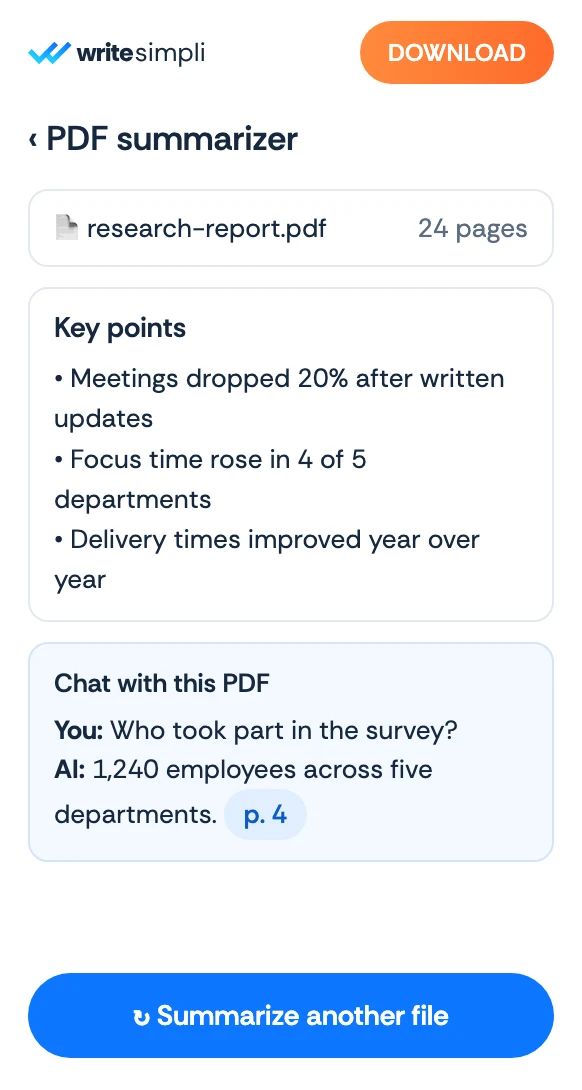
The WriteSimpli app showing a PDF with an AI summary and key points
Write simpli tools