Read PDFs online in your browser

Open any PDF in your browser and read it comfortably on your computer, phone or tablet, with no app to install

Open PDFs instantly without downloading a desktop reader
Zoom, scroll and jump between pages on any device
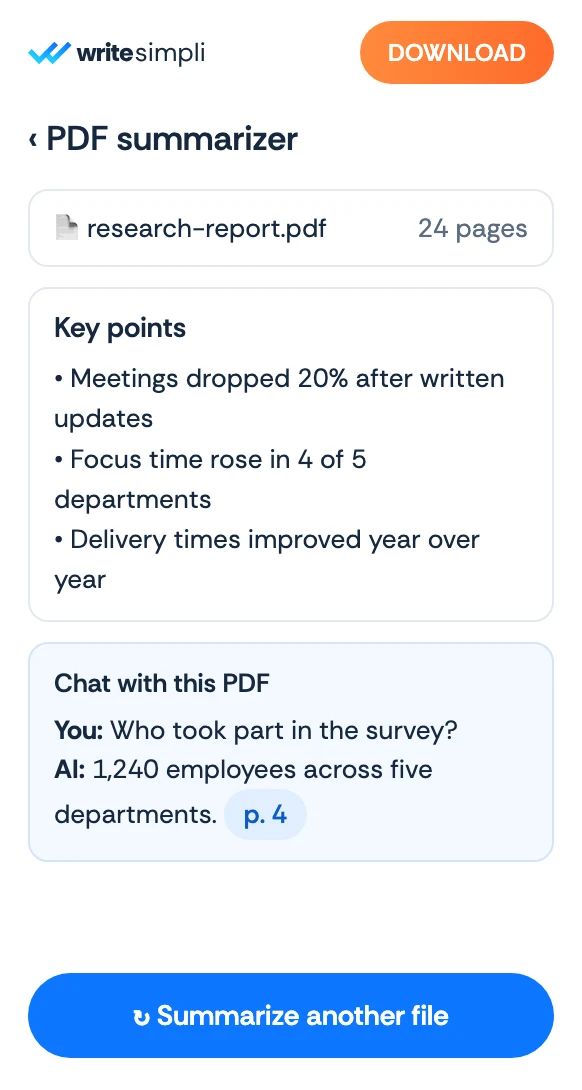
Summarize or ask questions whenever a section gets dense

24/7 multilingual phone, chat
and email support | +1-844-898-1076

text
Upload Your Document
Drop a Document Here
or

Everything you can do with WriteSimpli

Do more with AI-powered reading

A PDF reader that works anywhere

  • Open the file, start reading, nothing to set up
  • Read PDFs on Windows, Mac, iPhone, Android and Chromebook
  • Clean page view with zoom and page thumbnails
  • Pick up long documents right where you left off
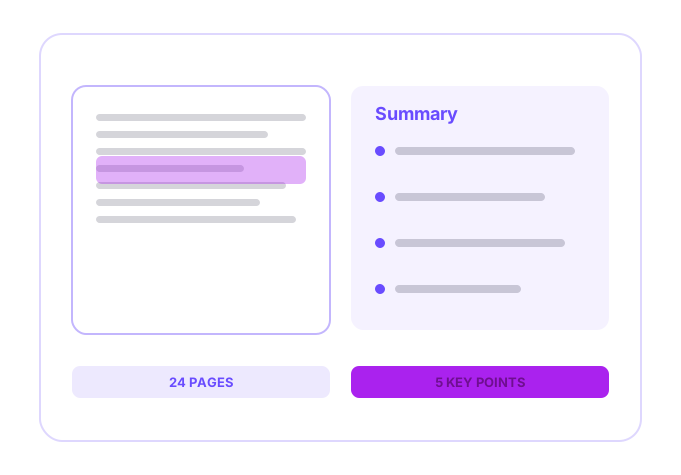
A PDF open in a browser-based reader

Frequently asked questions

Simple answers to your questions

How do I read a PDF online?
Upload your PDF to WriteSimpli and it opens straight in your browser. You can scroll, zoom and move between pages without installing anything.
Do I need to install a PDF reader?
No. WriteSimpli runs in your browser, so it works on most computers, phones and tablets without extra software.
Can I read a PDF on my phone?
Yes. The online reader works on mobile browsers, so you can open and read PDFs on iPhone and Android devices.
Can I search inside the PDF while reading?
Yes. Search for any word or phrase to jump to it, or ask the AI a question to find the relevant section.
Making writing simple
The WriteSimpli app showing a PDF with an AI summary and key points
Write simpli tools