Compare text and spot differences

Paste two versions of any text and see every word that was added, removed or changed, highlighted instantly

Paste two blocks of text, no upload needed
See word-level differences in a clean side-by-side view
Check edits, rewrites and copied passages in seconds

24/7 multilingual phone, chat
and email support | +1-844-898-1076

text
Upload Your Document
Drop a Document Here
or

Everything you can do with WriteSimpli

Do more with AI-powered reading

Every change, word by word

  • Paste the before and after, get the difference
  • Highlight insertions, deletions and replaced words
  • Compare essays, emails, product copy and translations
  • Ignore spacing changes so real edits stand out
Two pasted texts with word-level differences highlighted

Frequently asked questions

Simple answers to your questions

How does text-to-text comparison work?
Paste the original text on one side and the new version on the other. WriteSimpli highlights each word or line that was added, removed or changed.
What can I use text comparison for?
Reviewing edits to essays and articles, checking contract wording, comparing translations, or confirming what a co-author changed.
Is text comparison the same as a plagiarism check?
No. Text comparison only compares the two texts you provide. It does not search the web or other sources for matches.
Is there a length limit?
You can compare long passages, including full essays and chapters. For whole documents, the Compare PDF tool may be easier.
Making writing simple
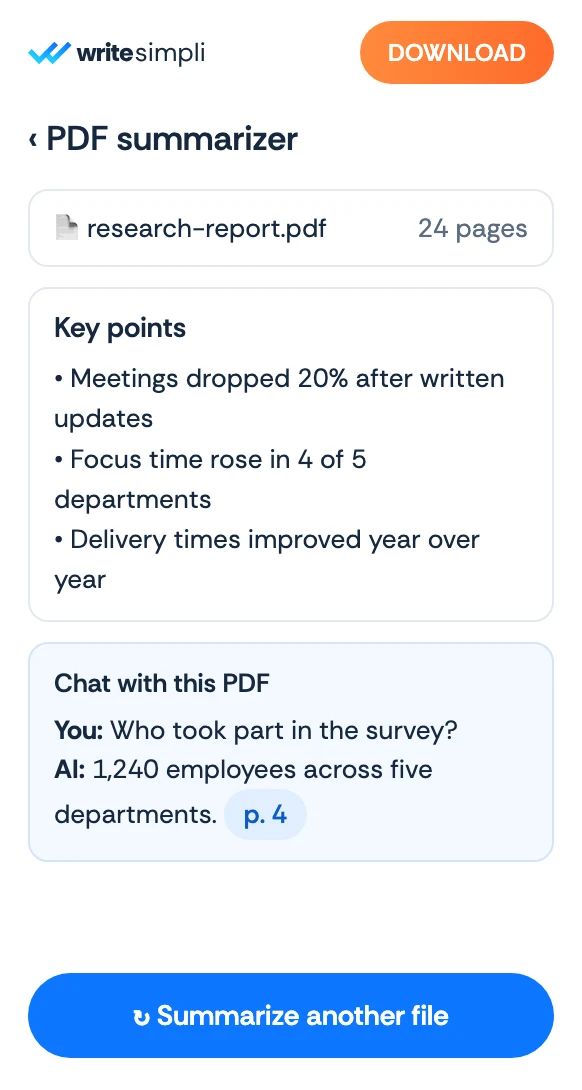
The WriteSimpli app showing a PDF with an AI summary and key points
Write simpli tools