Search inside PDFs in seconds

Find any word, phrase or topic in a PDF and jump straight to every page where it appears

Find every match across hundreds of pages at once
Search by meaning, not just exact words, with AI
Search scanned PDFs once the text has been recognized

24/7 multilingual phone, chat
and email support | +1-844-898-1076

text
Upload Your Document
Drop a Document Here
or

Everything you can do with WriteSimpli

Do more with AI-powered reading

Frequently asked questions

Simple answers to your questions

How do I search inside a PDF?
Upload the PDF and type a word or phrase into the search bar. WriteSimpli highlights every match and lets you jump between them.
Can I search for a topic rather than an exact word?
Yes. Ask the AI where a topic is covered and it will point you to the most relevant pages, even when the wording is different.
Can I search a scanned PDF?
Yes, once the pages have been converted with text recognition. Search quality depends on how clear the original scan is.
Will AI search find every relevant passage?
Not always. Use keyword search alongside AI search when you need to be sure nothing is missed.
Making writing simple
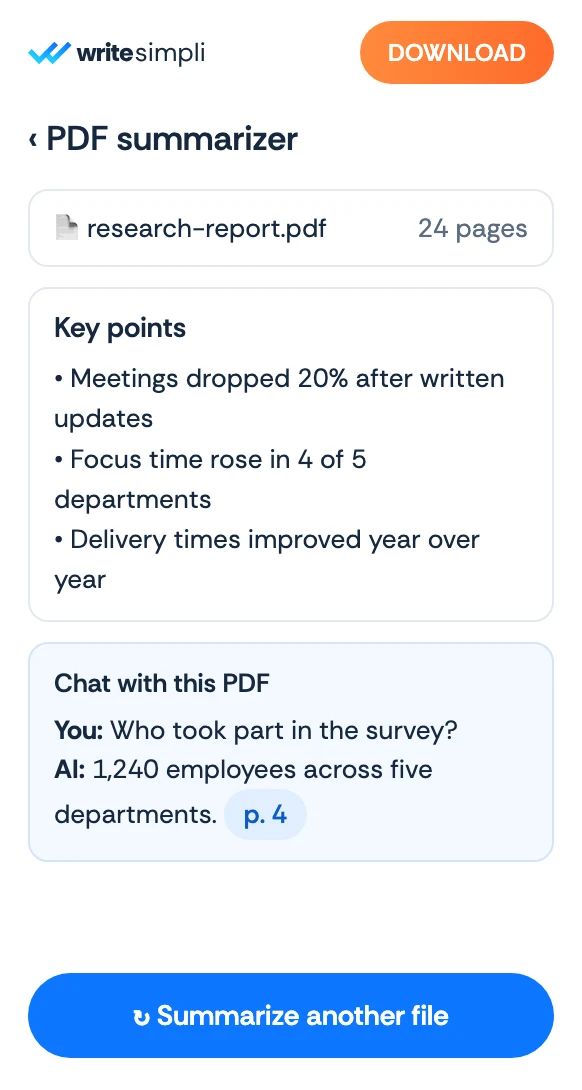
The WriteSimpli app showing a PDF with an AI summary and key points
Write simpli tools